Track Time. Invoice.
Get Paid.
Make invoicing painless with Billings Pro
Make invoicing painless with Billings Pro
Whip up a cost estimate for a customer or new lead in just a few minutes on your Mac, iPhone, or iPad. Choose an estimate template and enter in all the details. Quote your customer by time, fixed amount, quantity, expense, or per project. You can even edit an estimate on the spot with your customer from your iPhone or iPad.
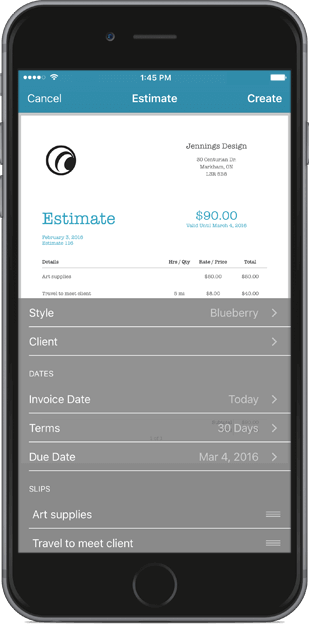

"Sometimes I get phone calls for new projects and with Billings Pro I can easily shoot a prospective client an estimate. Since I’m not making these documents from scratch I don’t feel like I’ve wasted my time if a job doesn’t pan out in the end."
Capture every second of billable time with Billings Pro on your Mac, iPhone, iPad, and Apple Watch. Easily switch between time tracking slips when working on multiple projects. Set your own billing increments to bill the way you want. View your time broken down by project, client, and by team member with simple reports.
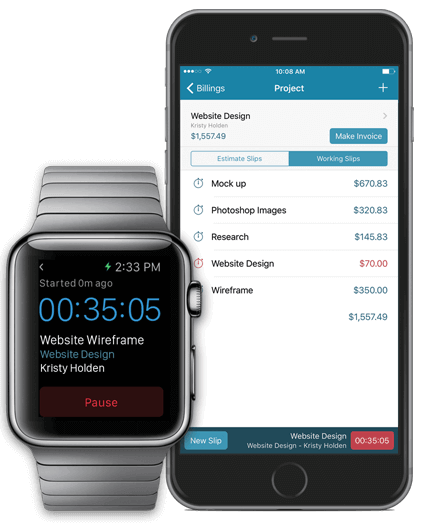

"Billings Pro saves me hours of work each month and helps me bill more hours than I have ever billed before."
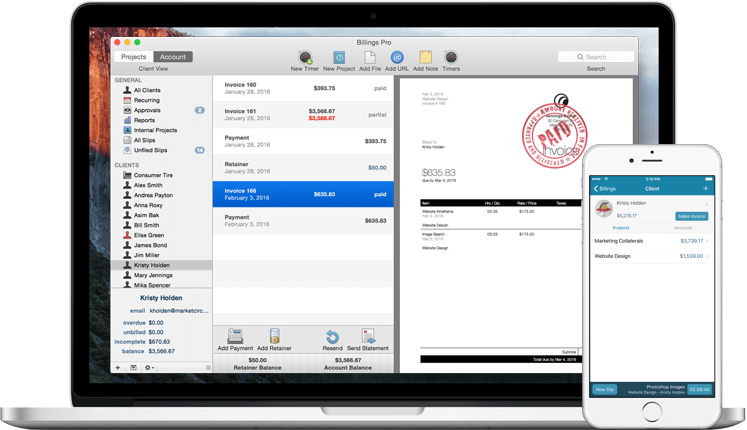
Create beautiful looking invoices that your clients can easily understand. Choose a template, add your time and expense slips, then send. It’s that simple. Send an invoice from anywhere with Billings Pro on your Mac, iPhone, and iPad. Your clients can easily understand what they’re being billed for so you answer less questions and get paid faster.
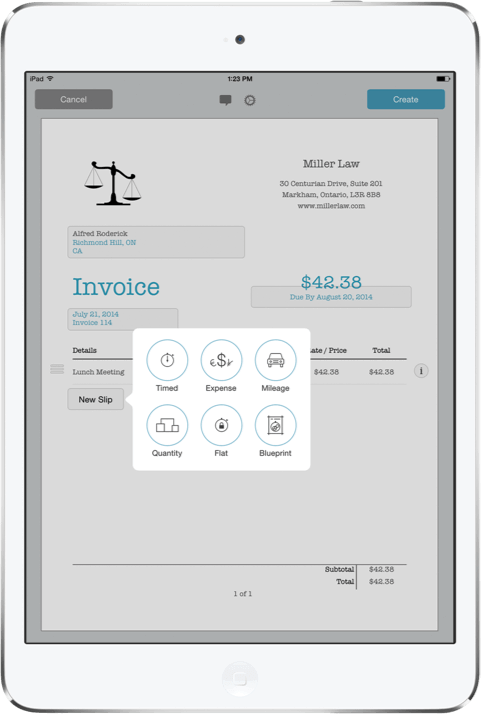

"Billings Pro has immensely eased the process of invoicing by reminding us when to invoice clients and setting up reminders for when the invoice is past due."
Keep track of all your invoices and client payments in one place. Know who’s overdue, who’s paid, and when. View the account balance and retainer balance for each client. Run simple reports on your Mac to view your account summaries, total amount billed, and more.
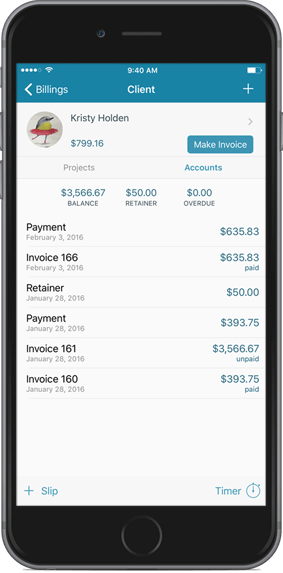

"What I like about Billings Pro is that it has a way of managing multiple clients with multiple projects that makes sense to me, even though I am not a traditional “business professional."
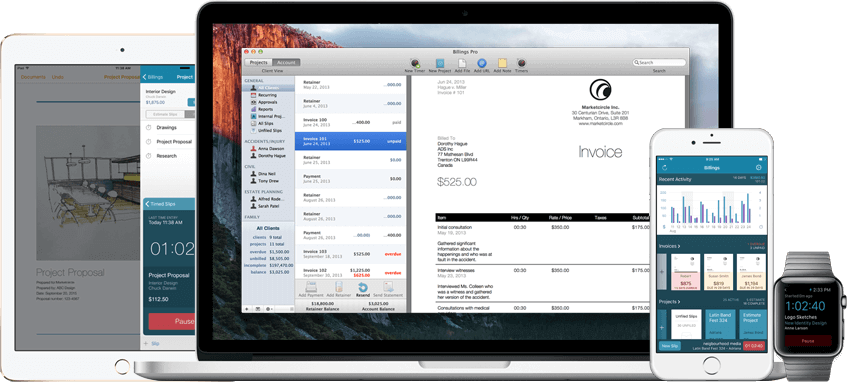
Get the flexibility of working the way you want. Billings Pro syncs across your Mac, iPhone, iPad, and Apple Watch so you can keep working from any device. Start a timer from your Apple Watch. Create an invoice on your iPad. Track payments on your Mac. Billings Pro is a native app so you can keep working even when you don’t have an internet connection.
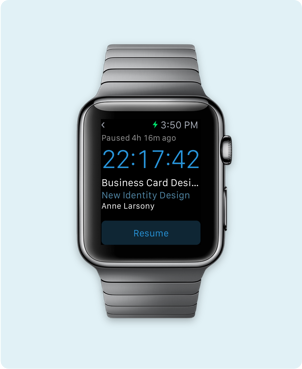
Resume a timer
On your watch
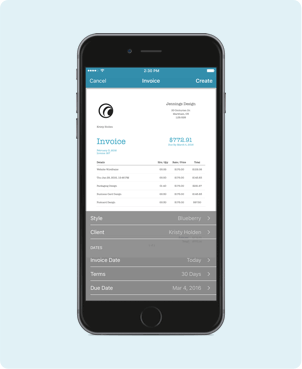
Send an Invoice
On your iPhone
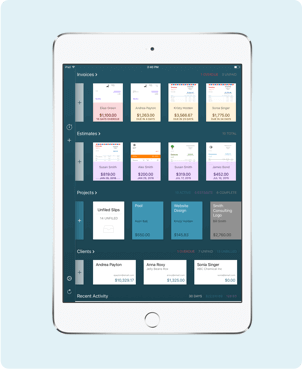
Track overdue invoices
On your iPad
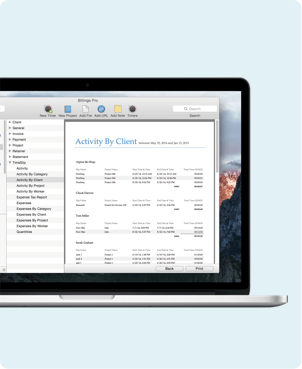
Run reports
On your Mac

"If I’m out and about working away from my office, I can keep track of my time and mileage with Billings Pro on my iPhone. Having everything in one app makes it much easier."
Use Billings Pro as a freelancer, individual business professional, or as a team. As your business reaches new heights, Billings Pro is right there growing with you. Add additional users with ease and feel safe knowing your financial data is only visible to the people you give permission.




"With Billings Pro and its advanced multiuser capabilities, I can finalize and print invoices on-site with my Macbook while my assistant reconciles payments back at the office."

Billings Pro is so intuitive you'll start using and loving it right away. And if you need any help, you can contact our team via email or live chat during regular business hours. We also have tutorial videos to walk you through everything from managing your account, invoicing, accepting payment, and running reports.